
Complete route guide
How to use Dragon Companion
Dragon Companion is an independent reference for the current Dragon Traveler Shovel Event route. It does not read or control the game. You advance the guide yourself and use the highlighted block as a visual checklist.
Choose the view that fits your play style
Interactive map
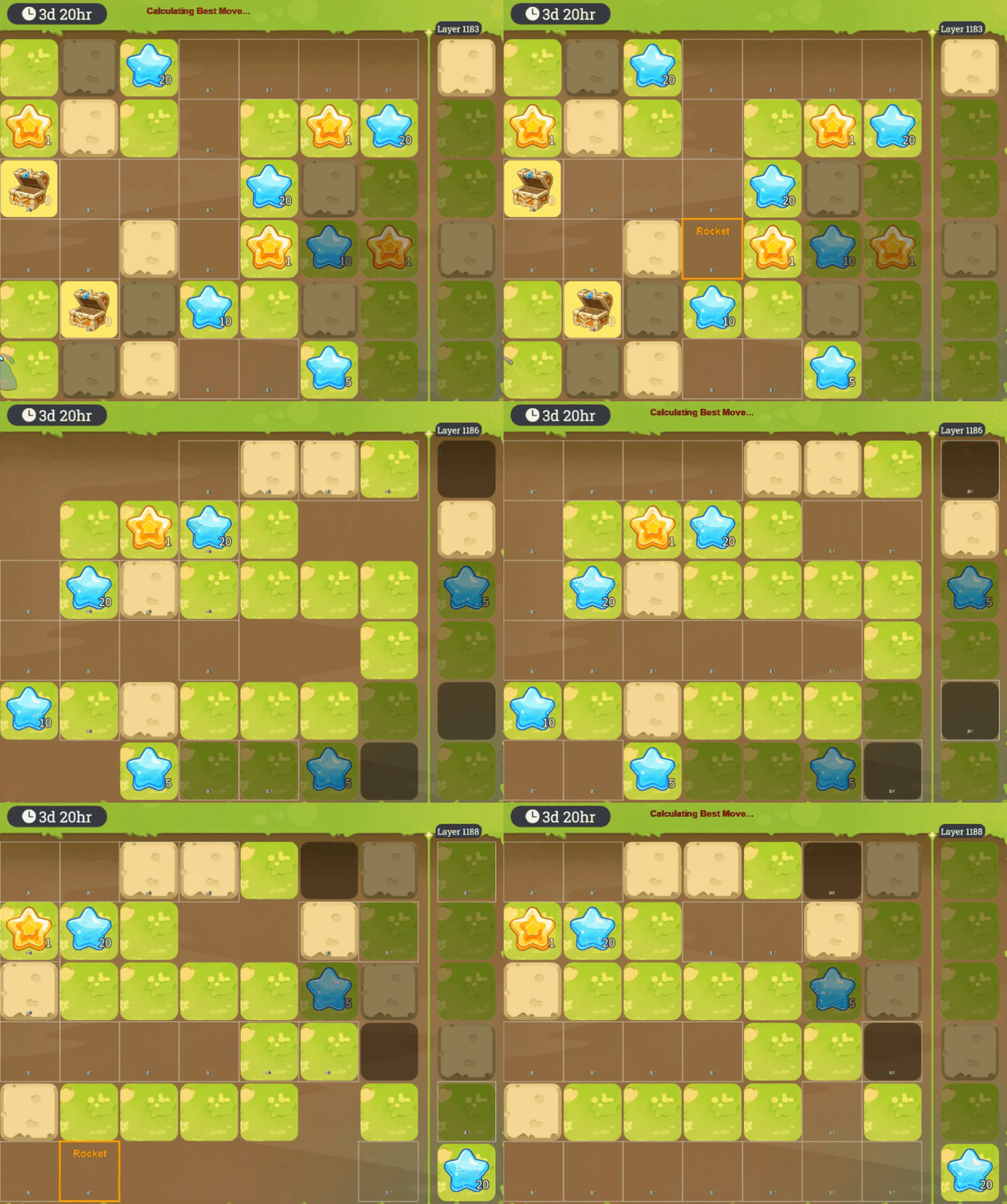
The map shows nearby floors and blocks, the current target, collected chests, and the cells affected by an item action. Previous actions can remain visible or be hidden for a cleaner board.
Open the interactive map →Step-by-step sheet
The sheet lists the current event route as step, floor, A–F row, and action. It is useful on a second screen and includes comfortable, compact, and tight density settings.
Open the route sheet →Read the four route actions
Shovel
Use one normal dig on the highlighted block. The simulator adds the step number to that cell and increases the shovels-spent total.
Chest
Collect the highlighted chest as soon as it becomes available. Chest steps are tracked separately and do not increase the simulator's shovel total.
Bomb
Use a bomb at the highlighted coordinate. The visual map marks the affected cells so you can compare the expected board with the result in game.
Rocket
Use a rocket at the highlighted coordinate. Check the remaining rocket count in the stats panel before moving to the next step.
Understand the route statistics
The live panel is a route-state check, not data read from your account. Floors climbed is the active floor minus the route's starting floor, 7. Efficiency is floors climbed divided by shovels spent, rounded to two decimal places.
Bomb and rocket values show the inventory expected after the selected step. If your counts disagree, go back through recent chest and item steps before continuing. Matching the route state is more important than moving quickly.
Route assumptions and limitations
- Route data is rebuilt for each event. The Floor 2160 goal remains the same, but the board path and total number of steps can change.
- The map is a fan-made planning tool. It is not affiliated with Dragon Traveler and does not guarantee rewards, item drops, or event completion.
- Your selected step is saved only in this browser using local storage. Clearing browser data, switching devices, or using a private window can reset that progress.
- The route remains marked as beta. When the result on your board differs from the map, pause and report the exact step in the community before spending more resources.
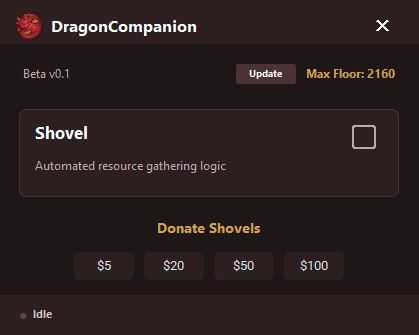
- The optional desktop overlay is visual only and is available through the Dragon Companion Discord community. The website's map and sheet work independently and do not require a download.
Frequently asked questions
Does the map connect to or control Dragon Traveler?
No. The website is a manual reference. You choose each step, perform the action in the game yourself, and compare the expected result.
Can I resume where I stopped?
Yes, on the same browser. The map stores the current step in local storage. Use Reset only when you intend to return to step 0.
Can I start from a later floor?
You can move the step slider or use the route sheet to locate a later floor. The expected inventory assumes the earlier route was followed, so verify item counts before continuing.
Why does the map show a different board than my game?
Stop at the first mismatch. A missed action, a different event board, or changed game data can make later coordinates unreliable. The beta notice exists because the route is not a live game sync.
Is the guide official?
No. Dragon Companion is an independent fan project and is not endorsed by or affiliated with Dragon Traveler.